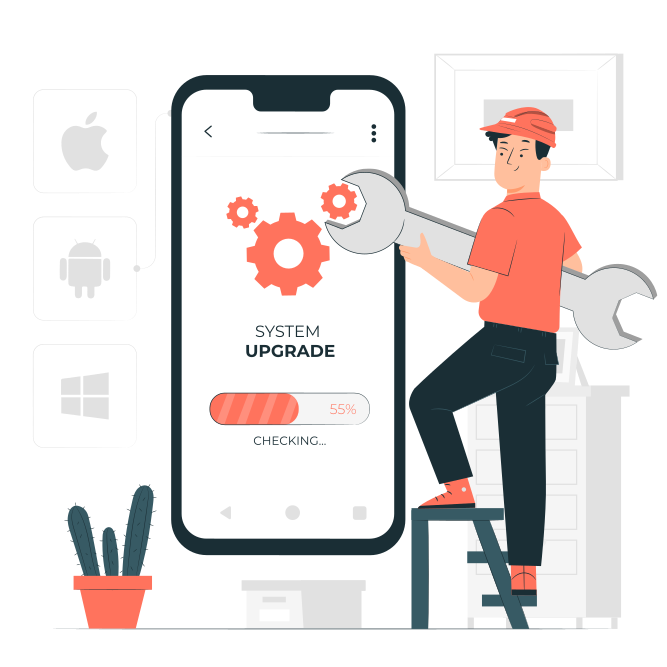
Keep Software Updated
Operating System Updates: Regularly update your phone's operating system (iOS, Android, etc.) to patch security vulnerabilities.
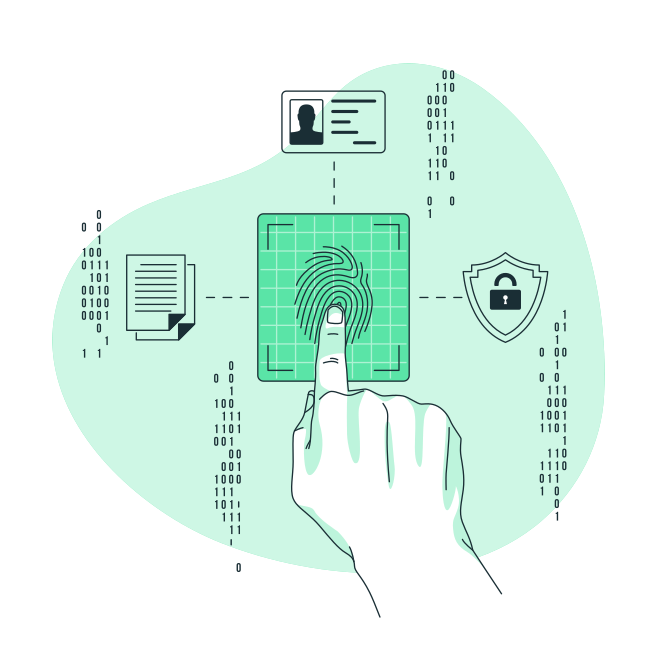
Use Strong Authentication
- Lock Screen Security: Set up a strong passcode, fingerprint, or facial recognition to unlock your phone.
- Two-Factor Authentication (2FA): Enable 2FA whenever possible for your accounts and apps.

Secure Your Network
- Use Trusted Wi-Fi Networks: Avoid connecting to unsecured public Wi-Fi networks.
- Use VPN: When connecting to public Wi-Fi, use a Virtual Private Network (VPN) for encrypted communication.
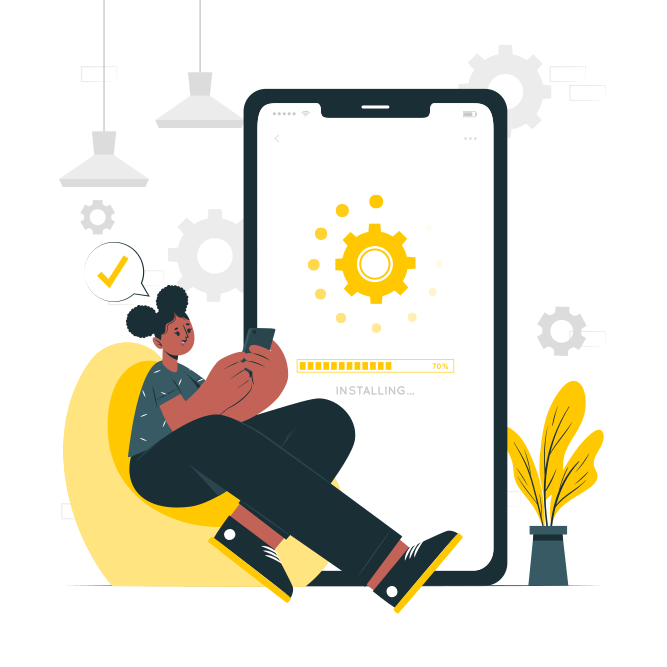
App Permissions and Downloads
- Review App Permissions: Regularly check and manage app permissions to limit access to your data.
- Download from Official Stores: Only download apps from official app stores to minimize the risk of malware.
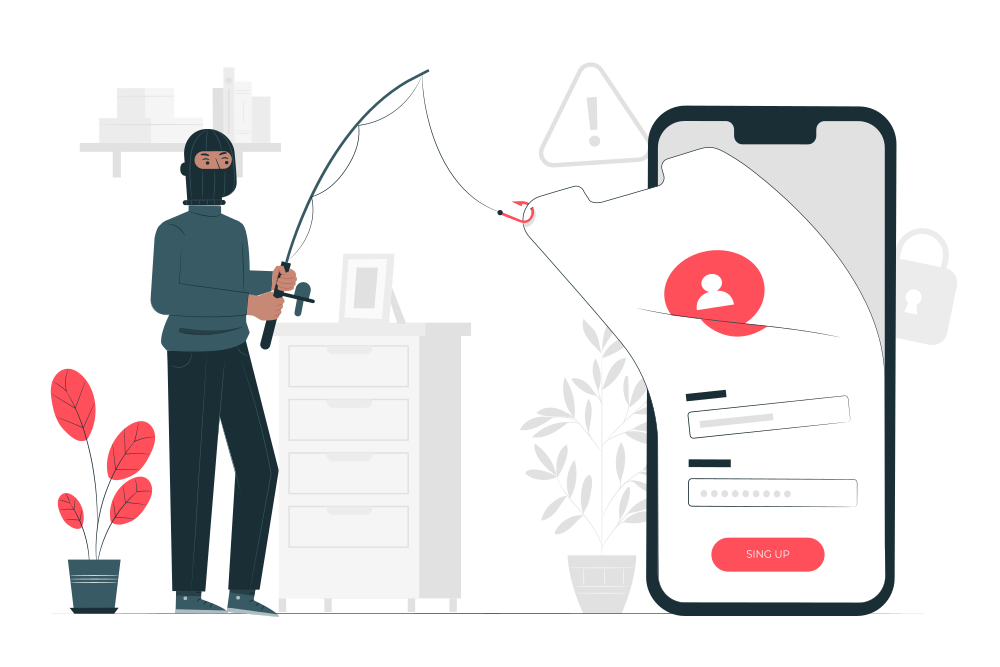
Be Wary of Phishing and Scams
- Avoid Clicking Suspicious Links: Be cautious of emails, texts, or pop-ups asking for personal information or credentials.
- Verify Sources: Double-check before providing sensitive information or downloading attachments from unknown sources.
Data Encryption and Backup
- Enable Encryption: Encrypt your data in case your phone gets lost or stolen.
- Regular Backups: Backup your data regularly to a secure location (cloud, computer, etc.).

Remote Wipe and Find My Phone
- Enable Remote Wipe: Enable features that allow you to remotely wipe your device if it's lost or stolen.
- Find My Phone: Activate the Find My Phone feature to track or remotely lock your device if needed.

Avoid Jailbreaking or Rooting
Avoid Jailbreaking or Rooting : Modifying your phone’s operating system can make it more vulnerable to security threats.

Regular Security Checks
- Regularly Review Settings: Periodically review and update your security settings to ensure maximum protection.
- Monitor Account Activities: Keep an eye on your accounts for any suspicious activities

Physical Security
Keep Your Phone Secure: Physically protect your phone from theft or unauthorized access.

Educate Yourself
Stay Informed: Keep yourself updated on the latest security threats and best practices to protect your device.